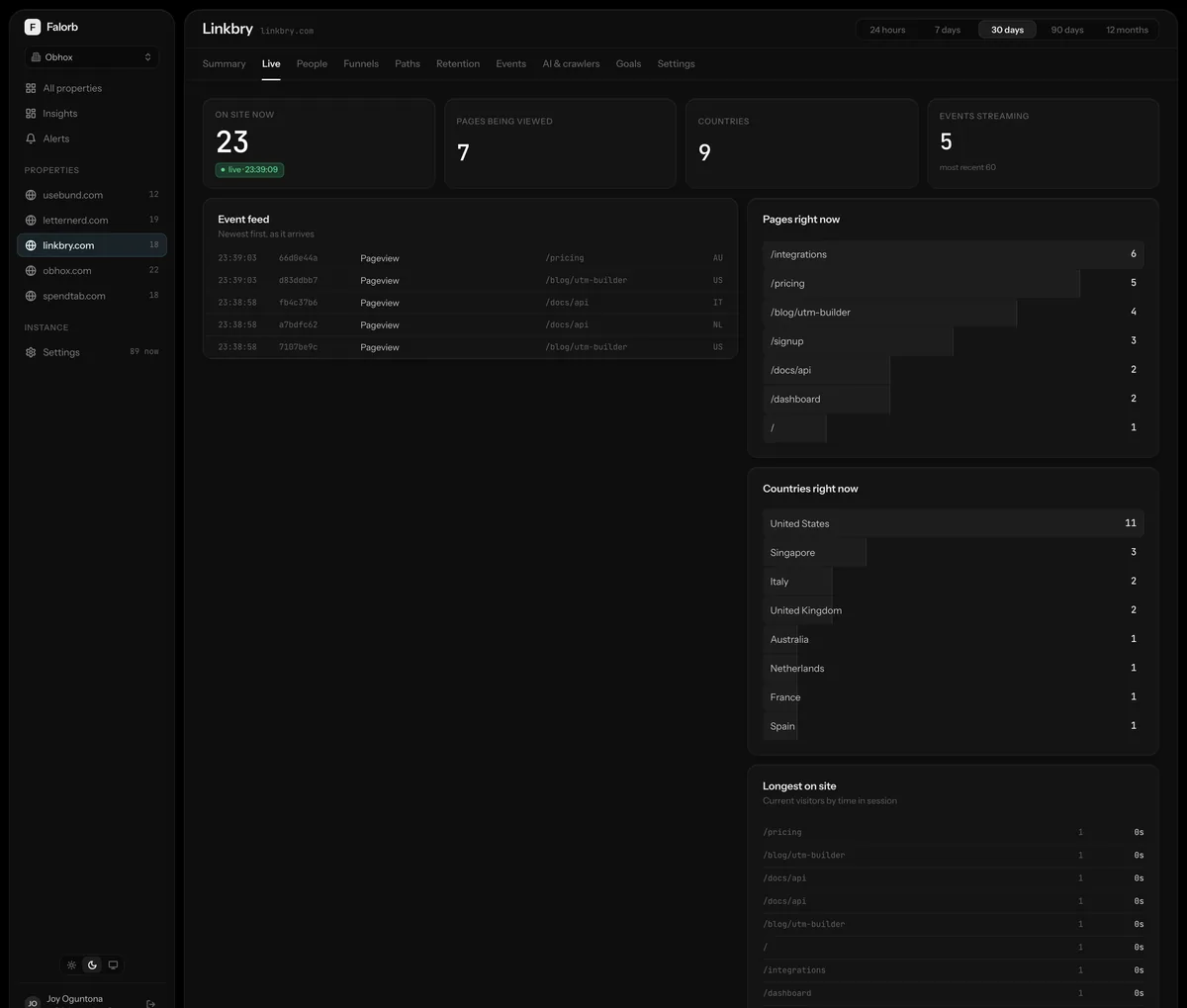
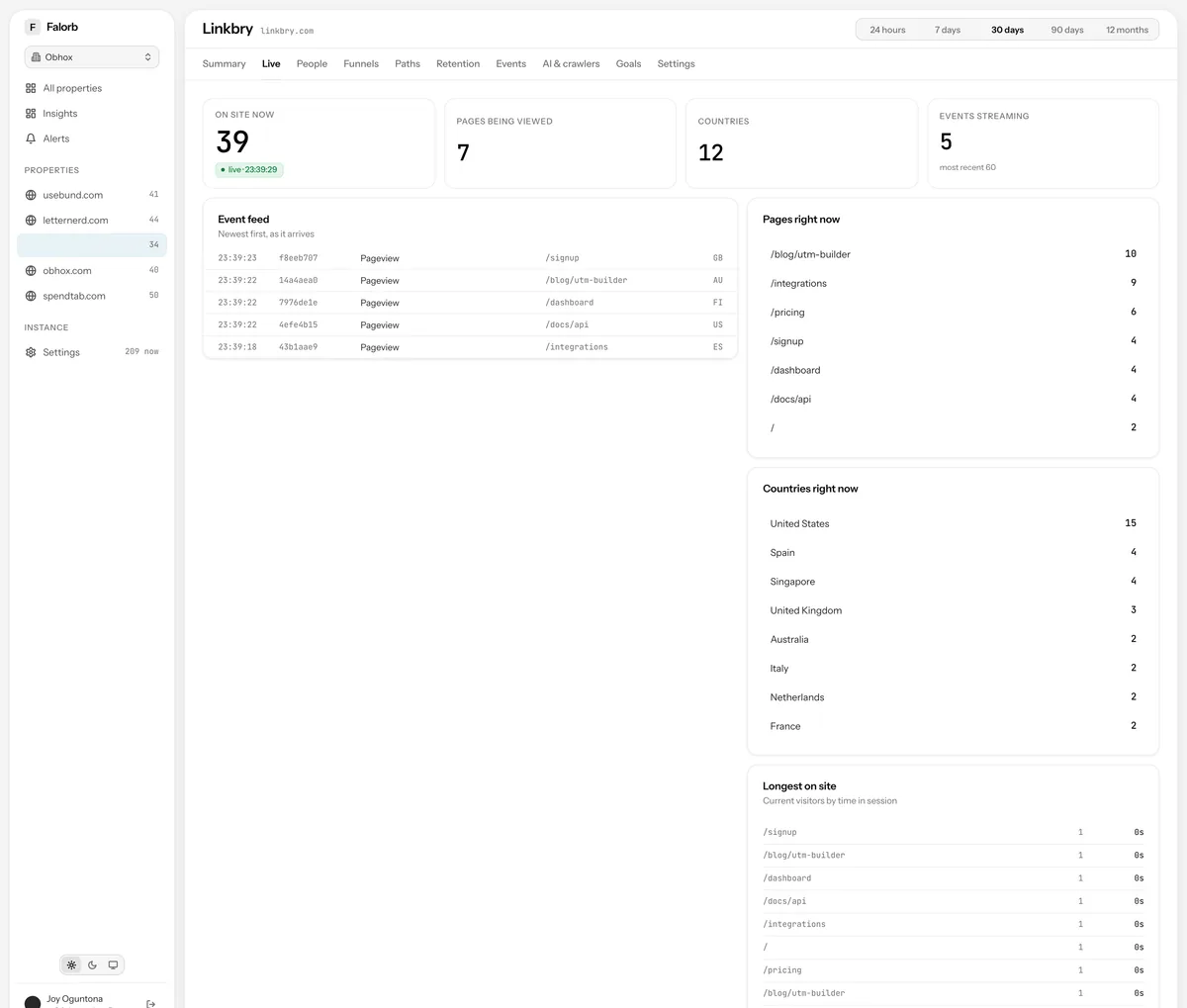
Visitors now, and how that compares
The current count of people active on the property, with the events and pageviews they have generated in the last few minutes. It is derived from the same event stream as everything else, so what you see live is what the reports will say tomorrow.


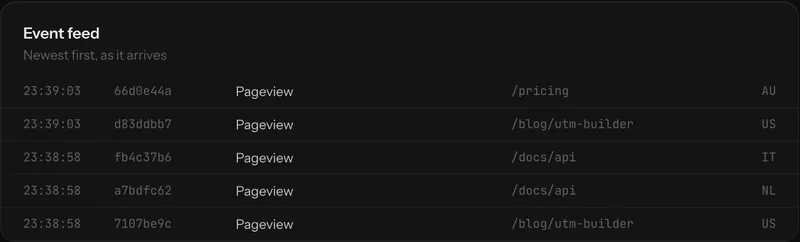
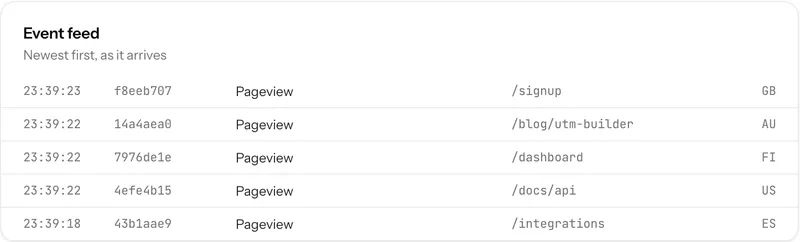
The feed
Every event as it lands: who, what, where, and how long ago. Identified people show as themselves, anonymous ones as a stable short id, and each row links straight into the full profile, which is usually where the interesting question leads next.
Where they are, and what they are reading
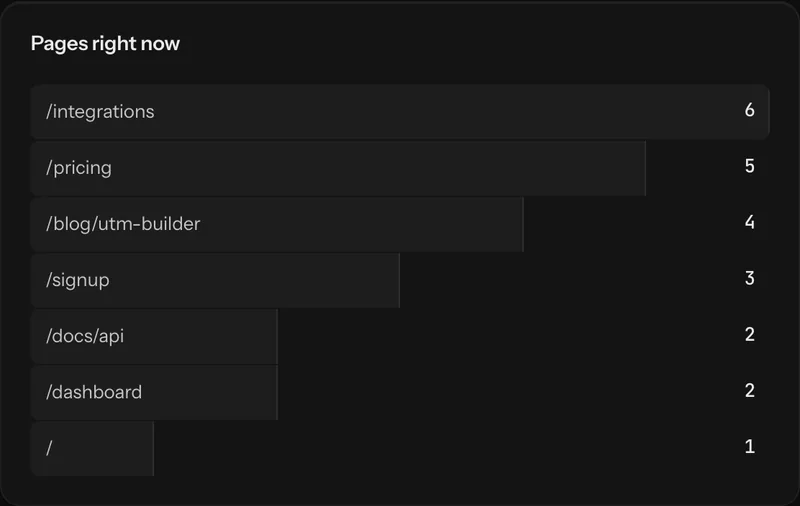
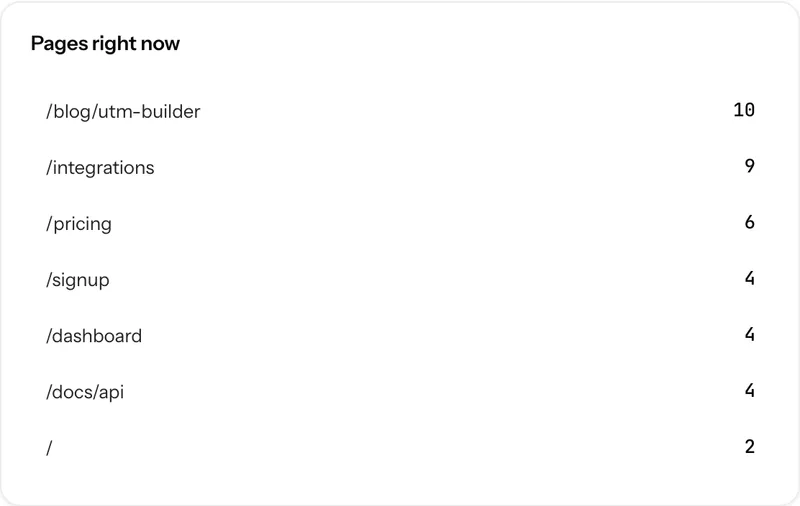
Pages active right now, ranked by the number of people on them, and the countries those people are in. Geolocation happens in-process at the collector from a local MaxMind database, so no lookup leaves your network, and the IP is discarded before anything is stored.
Longest on site
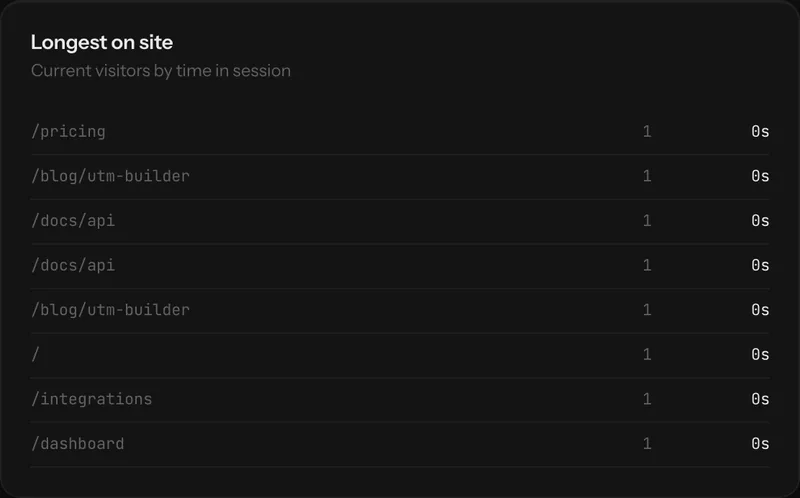
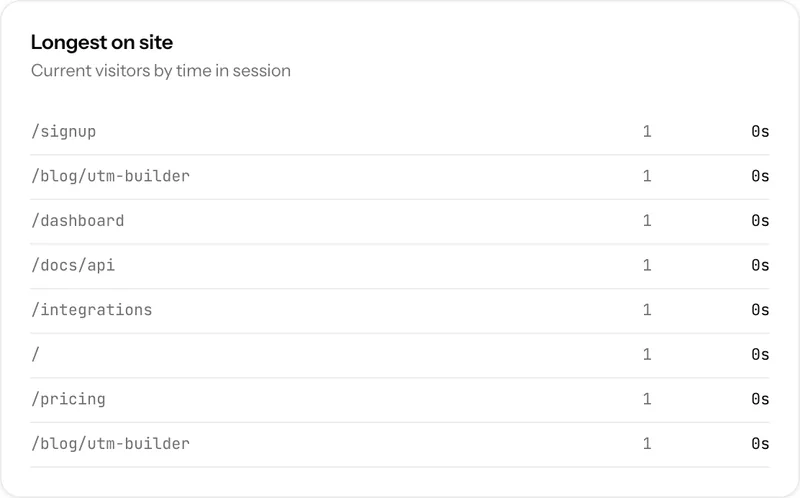
The visitors who have been reading for the longest, which on a content property is a better signal of interest than any counter of arrivals. Sessions time out after thirty minutes of inactivity, using the same constant on the client and the server so the two never disagree about when a session ended.
How it works, precisely
- Transport
- Server-sent events on your own origin, cursor-advanced so no event is replayed
- Cadence
- Three-second poll behind the stream
- Lifetime
- The stream closes itself after thirty minutes rather than leaking an open connection
- Session window
- Thirty minutes of inactivity, shared between tracker and server
Realtime: the usual questions
Does the live view keep a connection open forever?
No. The stream self-closes after thirty minutes. A tab left open overnight stops consuming a connection rather than holding one until the process restarts.
Is realtime data stored differently from the rest?
No. There is one pipeline. Events go to Redis at collection and a worker writes them to ClickHouse, so the live view and the historical reports read the same rows.
Next, most people read
Run it yourself this afternoon
Clone the repository, bring up the stack with Docker Compose, paste one script tag. The data never leaves your machines.