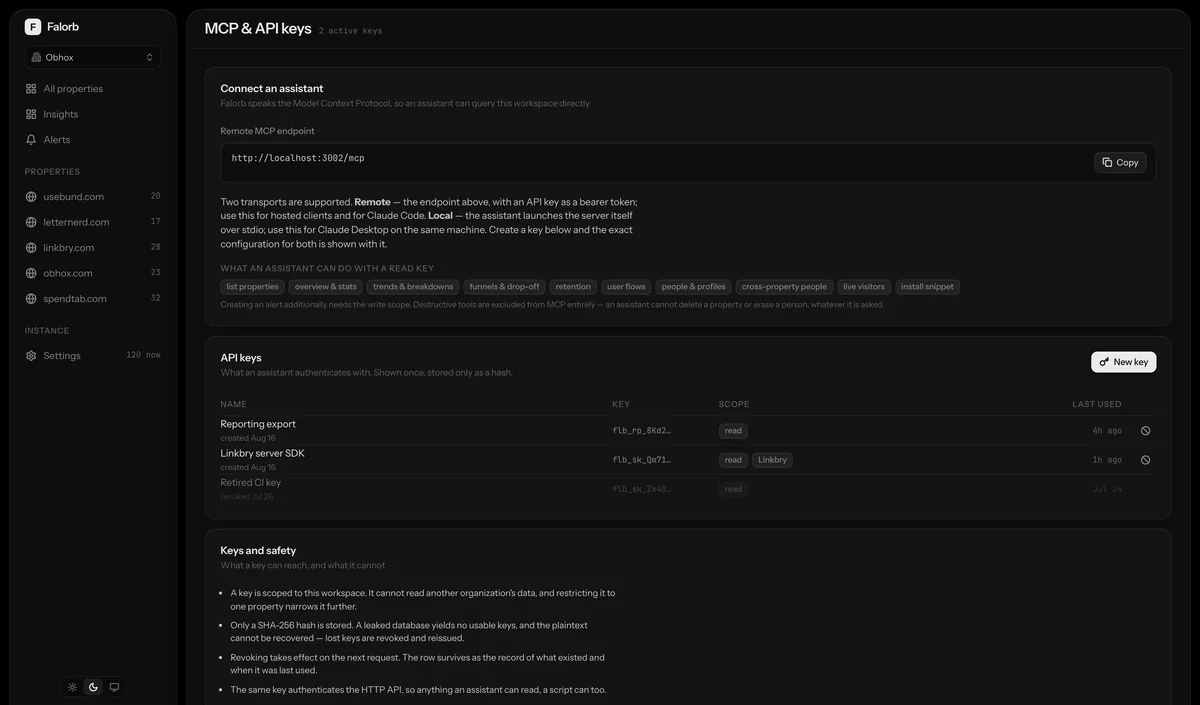
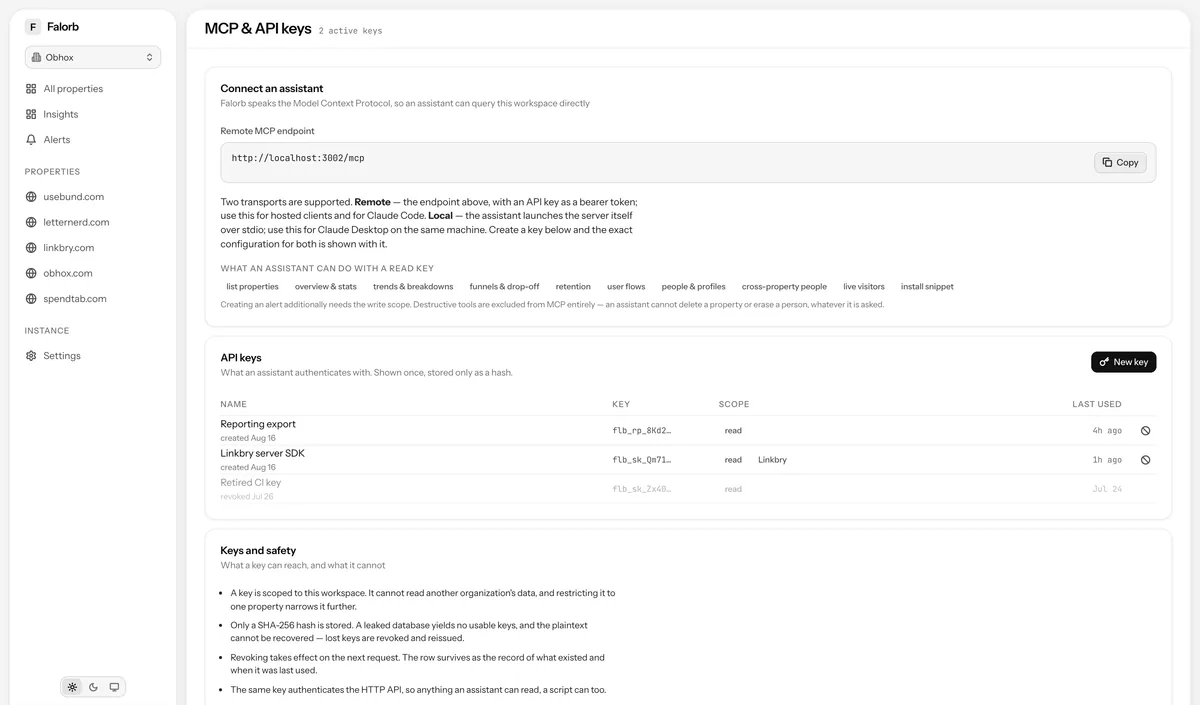
Connect it in one block of configuration
stdio transport for local clients (Claude Desktop, Claude Code, anything running on the same machine), or streamable HTTP with bearer-key auth for remote and hosted clients. The dashboard shows the exact configuration to paste.
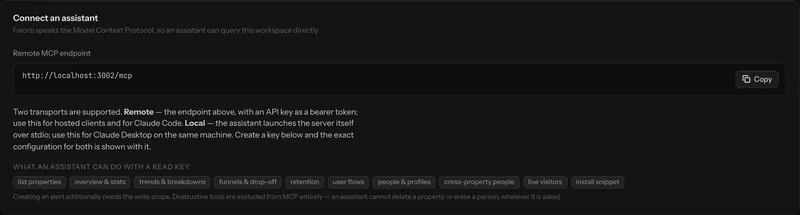
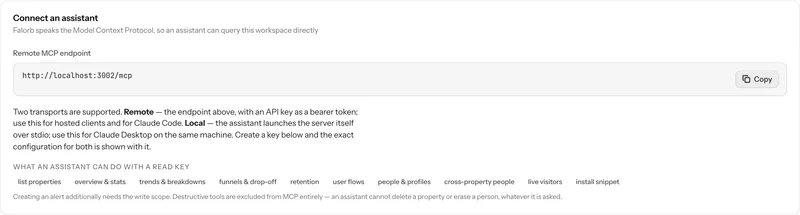
Tools that cover the product, not a demo subset
Discovery, analytics, funnels, people, live and ops: 25 tools in total, each verified against a real MCP client. Output is shaped for a language model: markdown tables, numbers already formatted, times expressed relatively.
- Discovery: list projects, event names, property keys, describe filters
- Analytics: overview, stats, trend, breakdown, retention, stickiness, drop-off, user flows
- Funnels: run a funnel, get its drop-offs
- People: list, search, full profile, cross-project, sessions
- Live and ops: live visitors, event stream, platform health, alerts, install snippet
Isolation that was tested, not assumed
A second organisation's key sees only its own projects and cannot name another tenant's. A read-only key is refused a write tool. Each request gets its own server instance so scope cannot leak between concurrent callers. All three are covered by the smoke suite, which runs in CI against real services.


What it deliberately cannot do
There is no project deletion and no person erasure over MCP. Irreversible actions should not be reachable by an assistant acting on a misread instruction, and erasure in particular needs a human to confirm whose data is being destroyed. Creating an alert is the one write tool, and it requires a key scoped for writes.
How it works, precisely
- Transports
- stdio, and streamable HTTP with bearer API-key auth
- Tools
- 25, plus 2 resources and 3 prompts
- Prompts
- weekly_review · conversion_audit · lead_research
- Ranges accepted
- 7d, 24h, today, mtd, or 2026-08-01..2026-08-16
- Not available
- Project deletion, person erasure. Excluded by design
MCP server: the usual questions
Does my analytics data get sent to an AI provider?
Only what the assistant asks for and only if you connect one. The server runs on your infrastructure; the assistant calls it like any other tool, and the results enter that conversation. If you connect nothing, nothing leaves.
Does it support OAuth?
Not yet. Authentication is bearer API keys, which is what most connectors accept. OAuth for MCP is a known gap rather than a design decision.
Next, most people read
Run it yourself this afternoon
Clone the repository, bring up the stack with Docker Compose, paste one script tag. The data never leaves your machines.