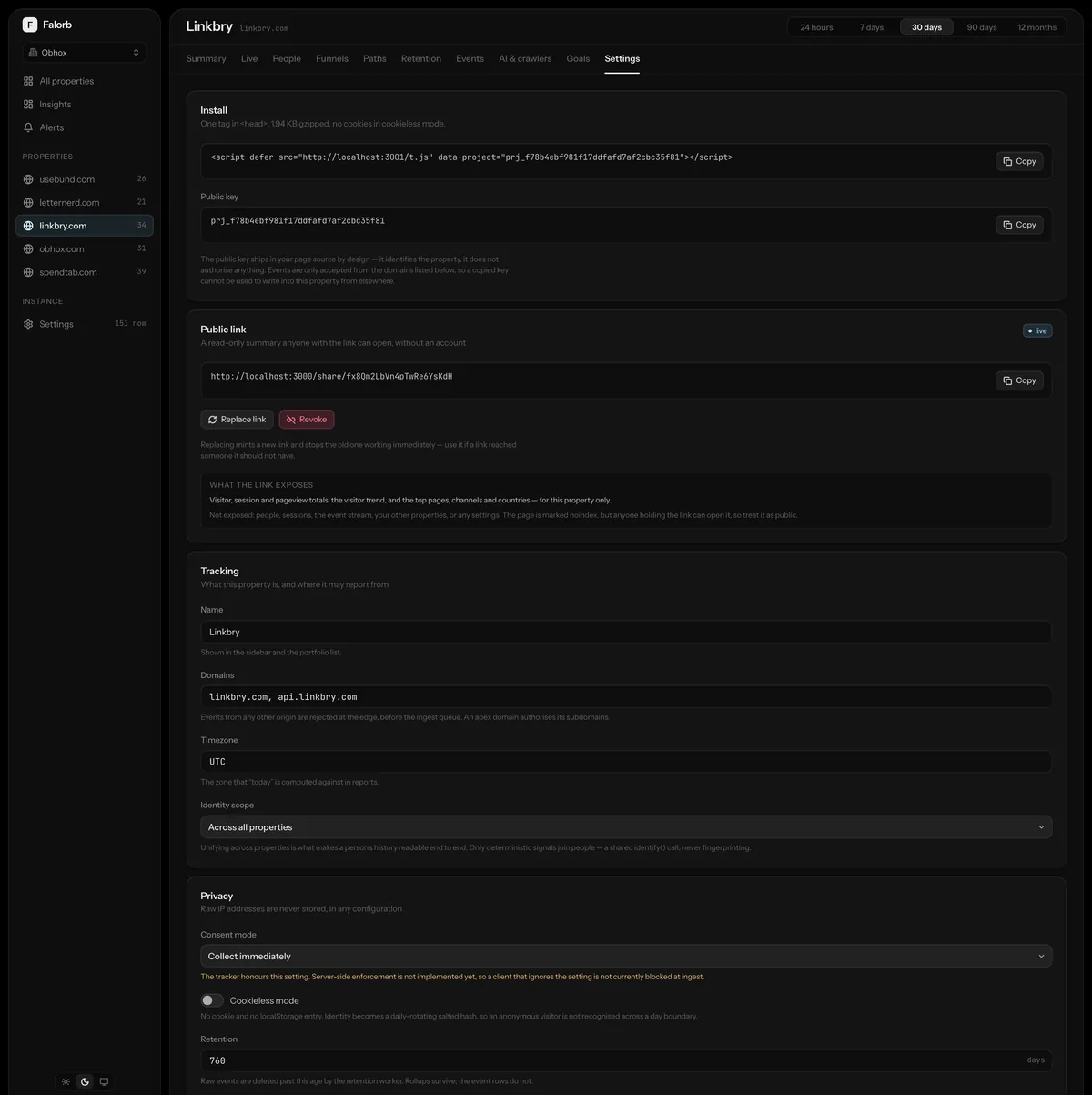
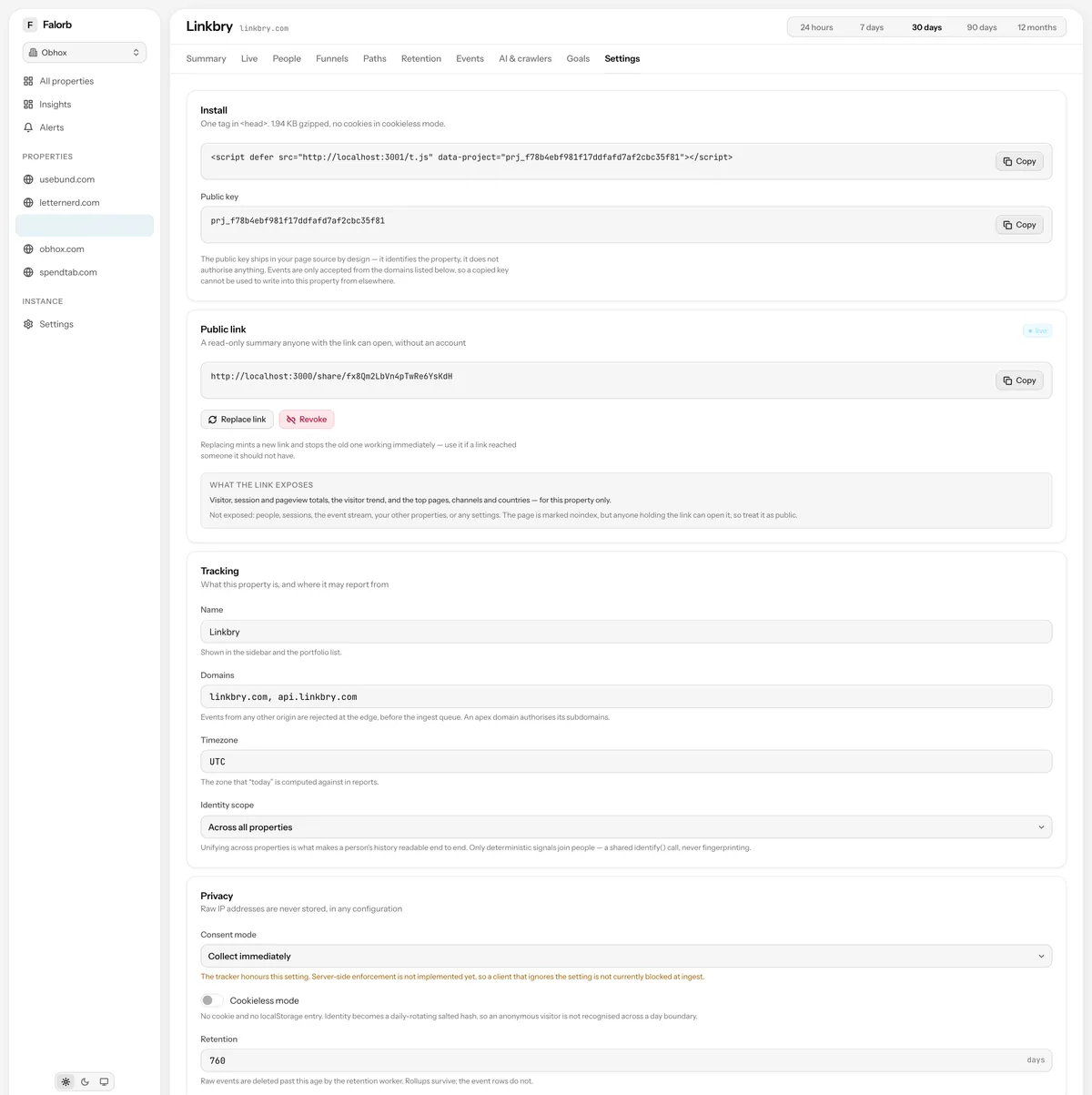
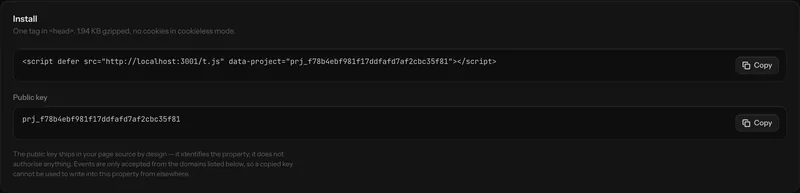
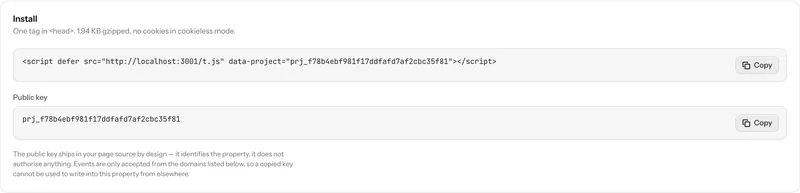
One script tag
The snippet is generated per property and shown on creation and in settings. It patches pushState, replaceState and popstate, so a single-page app reports route changes without any wiring, and calls made before the script finishes loading are queued rather than lost.
What it collects without being asked
Pageviews and sessions, outbound clicks, downloads, tagged elements, form submits, scroll depth, rage clicks, dead clicks, JavaScript errors and unhandled rejections, and all five Core Web Vitals (LCP, FCP, CLS, INP and TTFB), hand-rolled in about 400 bytes rather than pulled from a library.
- Form identity only. Field values are never captured, at any setting
- Exit beacon on visibilitychange, not unload, because Safari and mobile skip unload
- Batched: ten events, or two seconds, or pagehide, whichever comes first
- sendBeacon with a fetch(keepalive) fallback
The manual API
track, page, identify, group, revenue, reset and consent. identify() is what unifies a person across your properties; reset() is what you call on sign-out so a shared machine does not attribute the next person's session to the last one.
Server-side, where it matters more
The Node SDK is non-blocking, never throws into your request path and batches by identity, because an analytics outage must not become an outage of your product. The React SDK provides a provider and hooks for pageviews and identification. Both are ordinary libraries for your app, separate from the dashboard.
How it works, precisely
- Size
- 2,943 B gzip · 2,644 B brotli · CI fails over 3 KB
- Dependencies
- None
- Cookieless mode
- Session-scoped id, nothing persisted
- Respects
- Do Not Track and Global Privacy Control, configurable
- SDKs
- @falorb/sdk-node, @falorb/sdk-react
Tracker & SDKs: the usual questions
Will an ad blocker stop it?
It can, and that is true of any analytics script. Serving the collector from your own subdomain, which the reference Caddy configuration does, avoids the block lists that target vendor hostnames. The collector is a separate subdomain from the dashboard specifically so that a rule against one cannot take the other down.
Does it need a cookie banner?
That depends on your jurisdiction and your configuration, and it is not a question a vendor should answer for you. Cookieless mode stores nothing on the device; consent mode refuses opt-in batches at the server until consent is recorded. The dashboard also generates a privacy disclosure from a property's real settings.
Next, most people read
Run it yourself this afternoon
Clone the repository, bring up the stack with Docker Compose, paste one script tag. The data never leaves your machines.